
Pet photography · 6 min read
How to Take Brilliant Pet Photos With Your Phone: 9 Expert Tips
Most of us carry a perfectly capable camera in our pocket every day, yet our camera rolls are full of blurry tails, glowing eyes and the back of a dog’s head as they spot a squirrel. The good news is that brilliant pet photos rarely come down to the equipment. They come down to light, angle, timing and a little bit of patience.
With the darker evenings drawing in and Christmas card season around the corner, now is the perfect time to learn how to take pet photos with your phone that genuinely do your dog or cat justice. Here are nine tips that work on any modern smartphone, whether you’re snapping a sleepy spaniel on the sofa or a cat in a sunbeam.
By Our Gift Shop · October 2026
Key takeaways
- Natural light beats flash – shoot near a window or outdoors, and turn the flash off.
- Get down to their eye level and tap to focus on the eyes for a sharper, more personal shot.
- Use burst mode for moving pets and move closer rather than relying on digital zoom.
- Keep sessions short and rewarding so your pet enjoys the camera rather than avoiding it.
- A tidy background and a well-fitted collar make your pet the clear star of the picture.
Get the light right
Light is the single biggest difference between a snapshot and a photo you’ll treasure. Phone cameras have small sensors, so they perform best when there’s plenty of soft, even light.
1. Use natural light wherever you can
Indoors, position your pet near a large window with daylight falling across them. Outdoors, overcast days are surprisingly flattering because cloud softens harsh shadows. Early morning and late afternoon, often called the golden hour, give a warm glow that suits fur beautifully. In autumn and winter that window is short, so plan your photo walk for the brighter part of the day.
2. Switch off the flash
A sudden burst of flash can startle some animals, and it often causes that eerie green or yellow eye glow. This happens because dogs and cats have a reflective layer at the back of the eye that bounces light back towards the lens. Turning the flash off and finding a brighter spot gives a far more natural result.
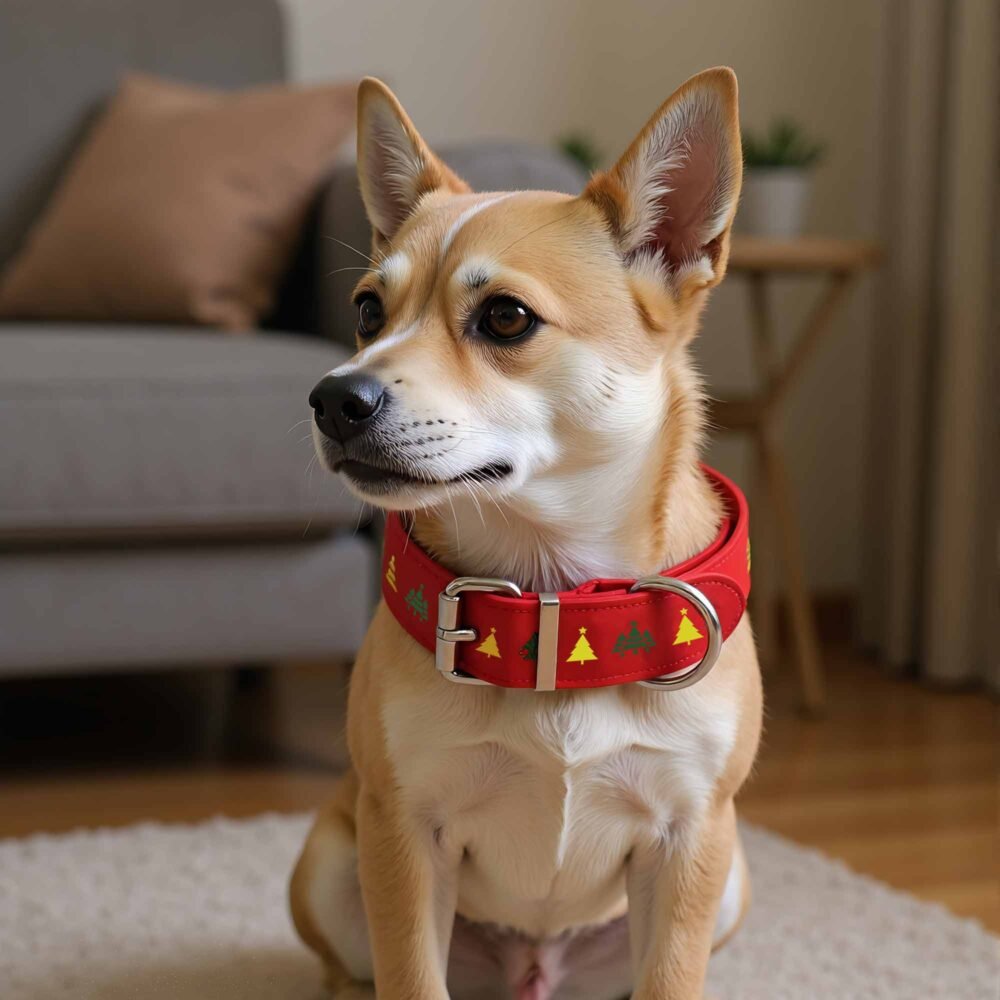
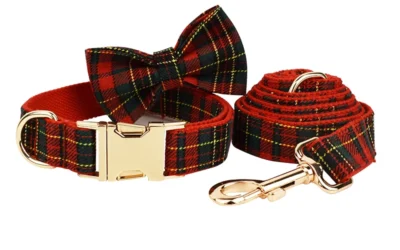
A festive personalised collar adds instant Christmas cheer to your pet's portrait.
Change your angle and focus
Photos taken from standing height look down on your pet and tend to feel like surveillance footage. A simple change of perspective makes an enormous difference.
3. Get down to their level
Kneel, sit or even lie on the floor so your phone is level with your pet’s eyes. This creates a much more intimate, engaging photo and lets the viewer see the world from their point of view. For small dogs and cats, this may mean lying flat on the kitchen floor, and it’s worth it.
4. Focus on the eyes
Just as in portrait photography of people, sharp eyes bring a pet photo to life. Tap the screen on your pet’s eye to set focus before you take the shot. On most phones you can also slide your finger up or down after tapping to adjust brightness, which is especially useful for very dark or very pale coats. If you photograph a black dog, try tapping on the coat itself so the camera exposes for the fur rather than the background.

Personalised Rhinestone Name Collar for Dogs & Cats
From £15.99
Your pet's name spelled out in sparkle catches the light beautifully in close-up photos, and personalisation is free.
“Brilliant pet photos rarely come down to the equipment; they come down to light, angle, timing and a little bit of patience.”
Make the most of your phone's camera
Modern phones have clever features that are ideal for unpredictable subjects. A few minutes getting to know them will pay off.
5. Use burst mode for action
Pets rarely hold a pose, so let your phone take lots of frames in quick succession. Most smartphones have a burst function (how you activate it varies by make and model, so check your camera settings). Fire off a burst as your dog bounds towards you or your cat pounces on a toy, then keep the one sharp gem and delete the rest. Live or motion photo modes can also help you pick the perfect moment afterwards.
6. Clean the lens and move closer instead of zooming
A phone lens lives in pockets and bags, and a fingerprint smudge will make every shot look hazy. Give it a gentle wipe with a soft cloth before you start. Then, rather than pinching to zoom, physically move closer. Digital zoom crops the image and reduces quality, though if your phone has a dedicated telephoto lens, using that optical setting is fine.
7. Try portrait mode on a still pet
Portrait mode blurs the background for a professional-looking finish. It works best when your pet is resting, and it can occasionally struggle around fluffy edges and whiskers, so check the result and switch back to the standard camera if it looks odd.
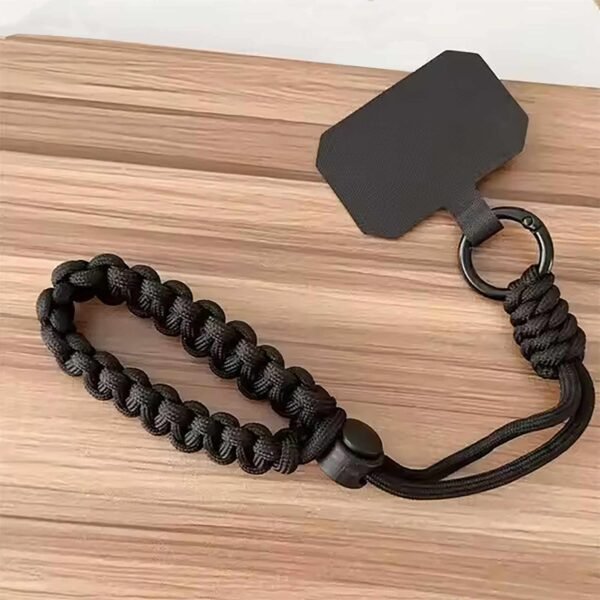
Out on walks, keeping your phone secure but within reach makes it far easier to catch spontaneous moments. A crossbody phone lanyard keeps it hanging safely at your side while your hands stay free for the lead and treats.
Which phone camera mode should you use?
| Camera mode | Best for | Watch out for |
|---|---|---|
| Standard photo | Everyday shots in good light | Blur if your pet moves quickly |
| Burst mode | Running, jumping and playing | Uses storage, so delete the extras |
| Portrait mode | Calm, resting pets and close-ups | Can blur fur edges and whiskers |
| Live or motion photo | Picking the perfect split-second | Files are larger than standard photos |
Patience, treats and timing
The best pet photographers are really just patient pet owners with good timing. Your dog or cat should see the camera as a fun game, not a chore.
8. Keep sessions short and rewarding
A tired, contented pet is far easier to photograph than one bursting with energy, so try a session after a walk or play. Have treats ready, use a squeaky toy or a quiet noise just above the phone to catch their attention, and reward generously. A few minutes at a time is plenty. If your pet starts turning away, yawning or licking their lips, they may be feeling uncomfortable, so stop and try again another day.
For cats, let them come to you. A wand toy waved just behind your phone can produce wonderfully alert expressions, while a sleeping cat curled in a patch of sun needs nothing more than a quiet approach.
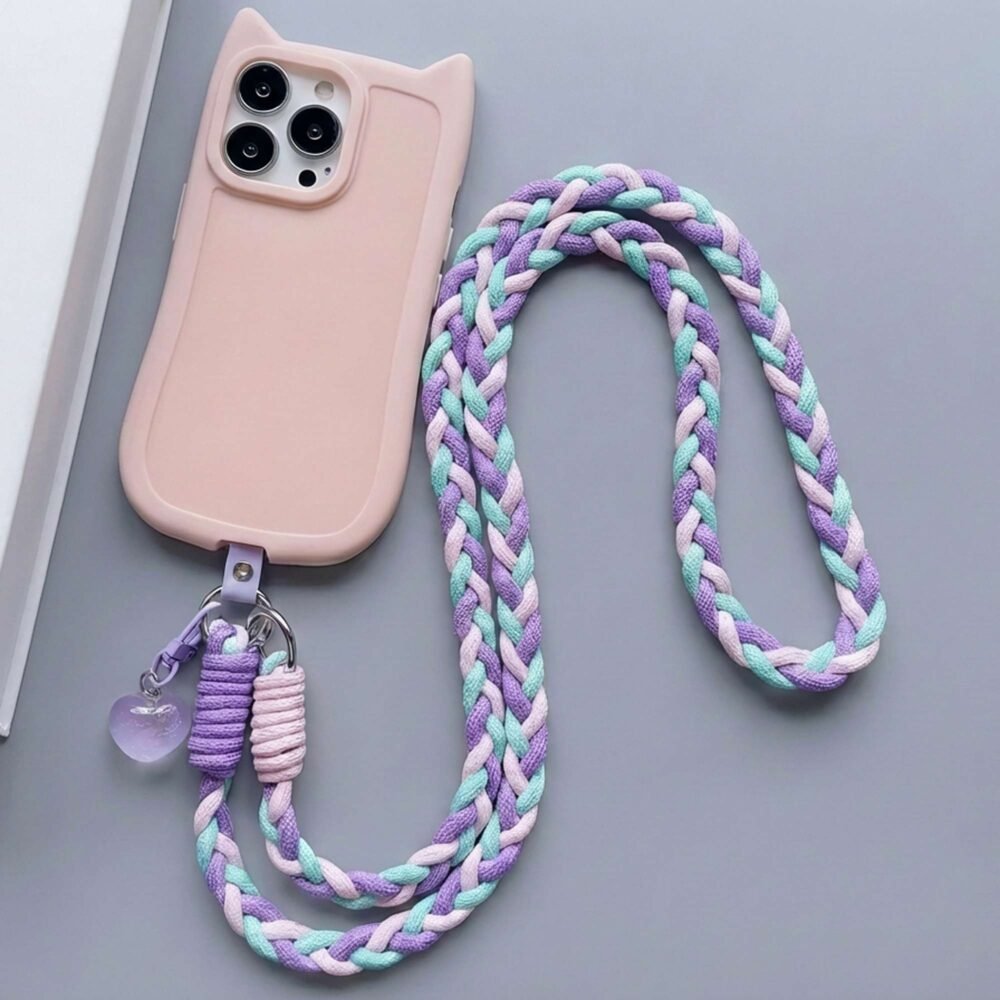
Universal Nylon Braided Phone Lanyard Colorful Shoulder Strap
From £13.49
This braided crossbody lanyard keeps your phone secure but ready to grab when the perfect moment happens on a walk.
Style the shot so your pet shines
9. Tidy the background and let their collar tell the story
Before you shoot, glance at what’s behind your pet. Laundry, cables and clutter pull attention away from your subject, so move a few things or choose a plain wall, a neat sofa throw or an open field. Turning on the gridlines in your camera settings can help you place your pet slightly off-centre for a more balanced composition.
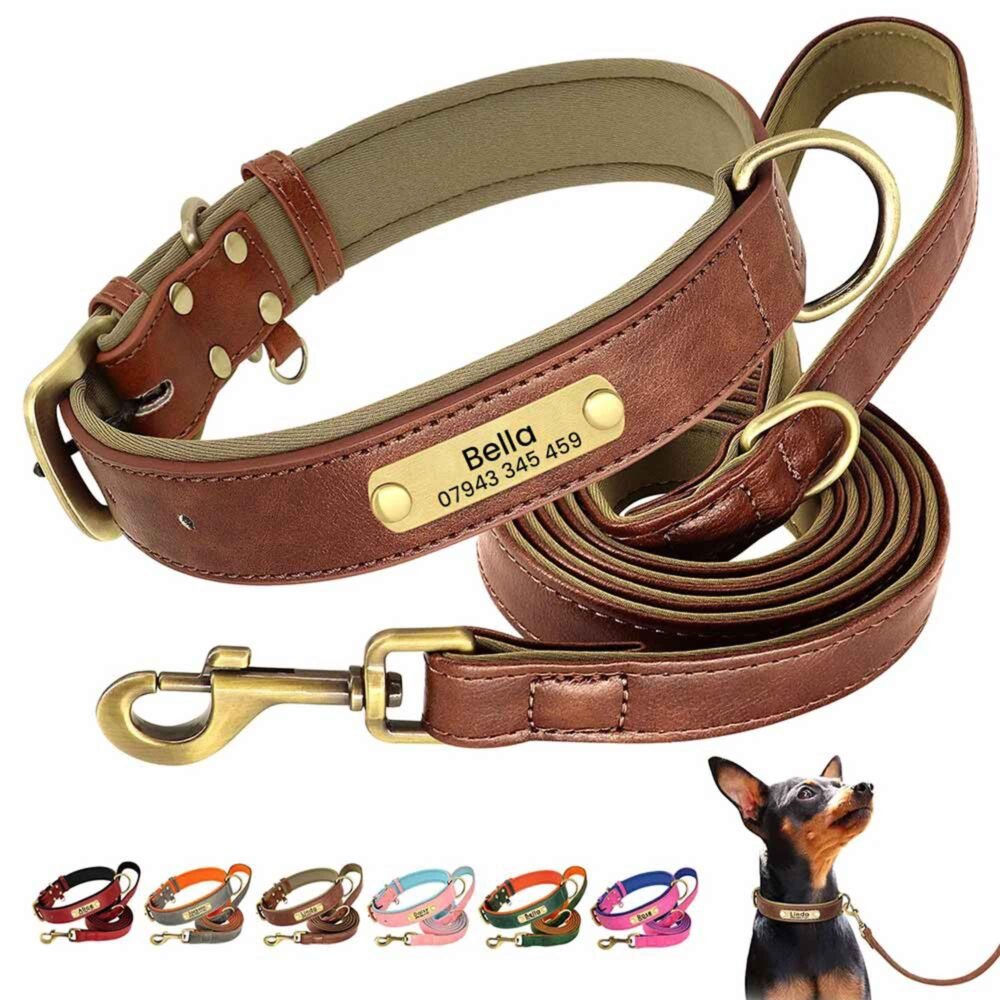
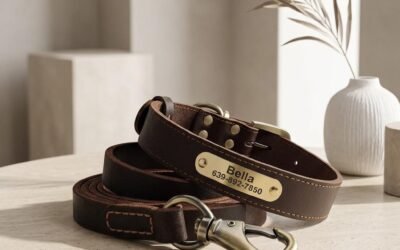
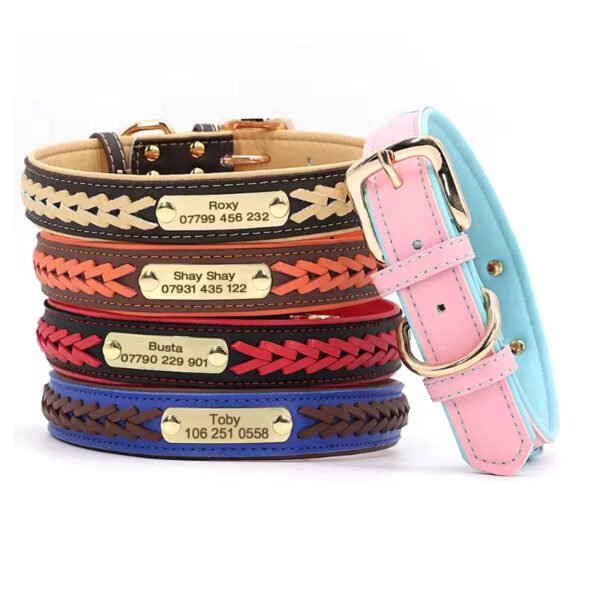
Small details make a photo feel personal, and a well-fitted collar is one of them. Personalised collars with your pet’s name on the buckle, plate or strap add character to close-up portraits. Always check the fit before a photo session: a collar should sit comfortably, with room for two fingers underneath.
If you’re planning a festive photo for this year’s Christmas cards, a seasonal collar adds instant cheer without the stress of a costume most pets won’t tolerate. Our Christmas tartan dog collar with optional bow tie and the wider Christmas designs range are made with free personalisation. As personalised items take around two weeks to make and arrive, order by 3 December for UK Christmas delivery, and earlier still if you want time to take the photos before the cards go out.
Frequently asked questions
Should I use flash when photographing my dog or cat?
It's best to avoid it. Flash can startle some pets and often causes a green or yellow glow in their eyes, so natural light from a window or outdoors usually gives a better result.
How do I photograph a black dog without losing detail?
Use soft, even daylight and tap on the dog's coat to set focus and exposure. Many phones then let you slide the brightness up slightly so the fur shows texture rather than a dark silhouette.
How can I get my pet to look at the camera?
Hold a treat or toy just above your phone, or make a quiet, unfamiliar sound to catch their attention. Reward them straight away and keep the session short so they stay happy and interested.
When should I order a personalised collar for Christmas photos?
Personalised items are made and dispatched within 7 days and then take 7-9 days to arrive, so allow about two weeks. Our Christmas collars should be ordered by 3 December for UK delivery, but ordering sooner gives you time for your photo session.
Make it theirs
Every collar personalised with their name and your number – included in the price.
More from the blog
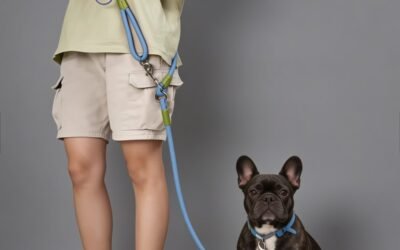
Running With Your Dog: A Beginner’s Guide
Thinking of running with your dog? Find out when your dog is ready, how to build up safely and why a hands-free dog lead makes every run easier.
DIY Dog Advent Calendar: A Fun Christmas Countdown for Your Dog
Give your dog their own countdown to Christmas with a simple homemade advent calendar packed with safe treats, little adventures and a festive surprise on the final day.
Gifts for Dog Lovers Who Have Everything: Personalised Ideas
Buying for someone whose dog already owns more than you do? These personalised gifts for dog lovers work because nobody else can give the exact same thing.
Personalise their collar
-
Handwoven adjustable mobile iPhone, Samsung, universal lanyard wrist strap
£8.49 -
Braided Leather Dog Collar with Engraved Name Plate
Price range: £13.00 through £22.99 -
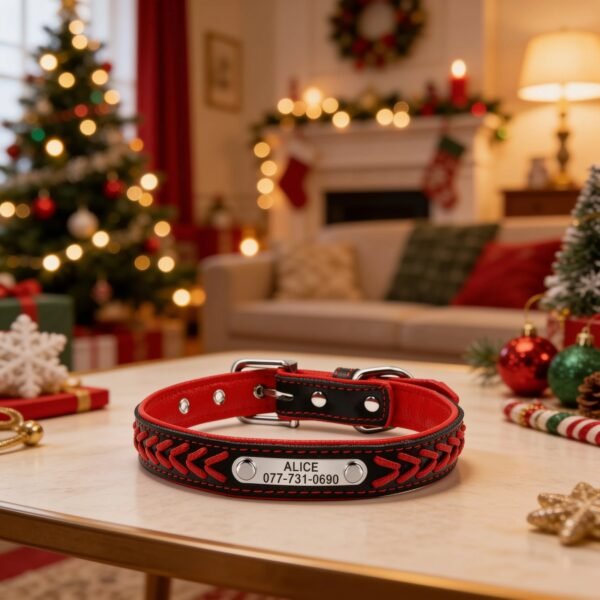
Christmas Red Braided Faux Leather Dog Collar – Personalised Engraved Name Plate
Price range: £13.00 through £22.99 -
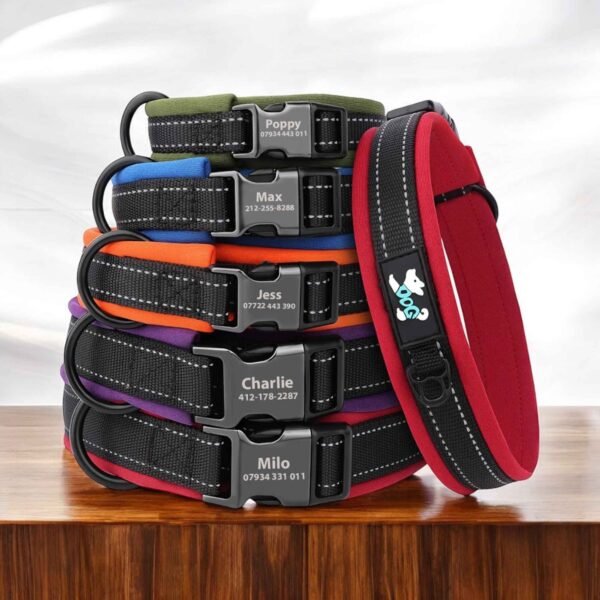
Reflective Nylon Dog Collar – Personalised Engraved ID, Padded
Price range: £15.50 through £18.00
Make every photo personal
Free personalisation on every collar.